
Wedding seating chart maker and floor plan. It already knows your guest list.
The seating plan is on every plan, including Free. Lay out the room with tables, walls, doors and a dance floor, seat guests from your own guest list, and export a PDF of names and seat numbers for your venue. Free covers up to 100 guests; Manage is $149 and Elevate $399, each paid once, not a subscription.
No card to start.


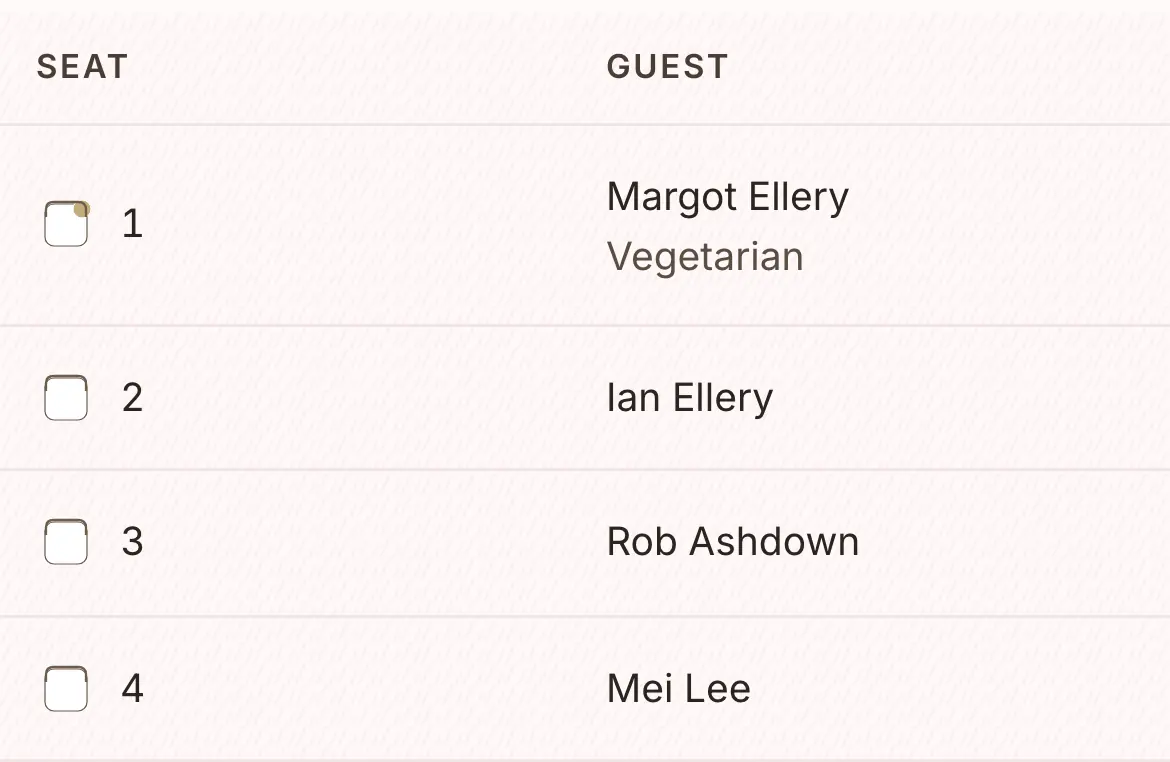
From an empty room to a PDF for your venue.
No more sketching the seating plan on the back of an envelope. Build the room, drag guests onto their seats, and export a chart your venue can use.
Add tables, walls, doors and the dance floor to match your room.
Round tables, long tables, joined long tables and a bridal table, with the dance floor and the bar where they really are.
Drag guests from your list to their seats, or let it suggest seats by household.
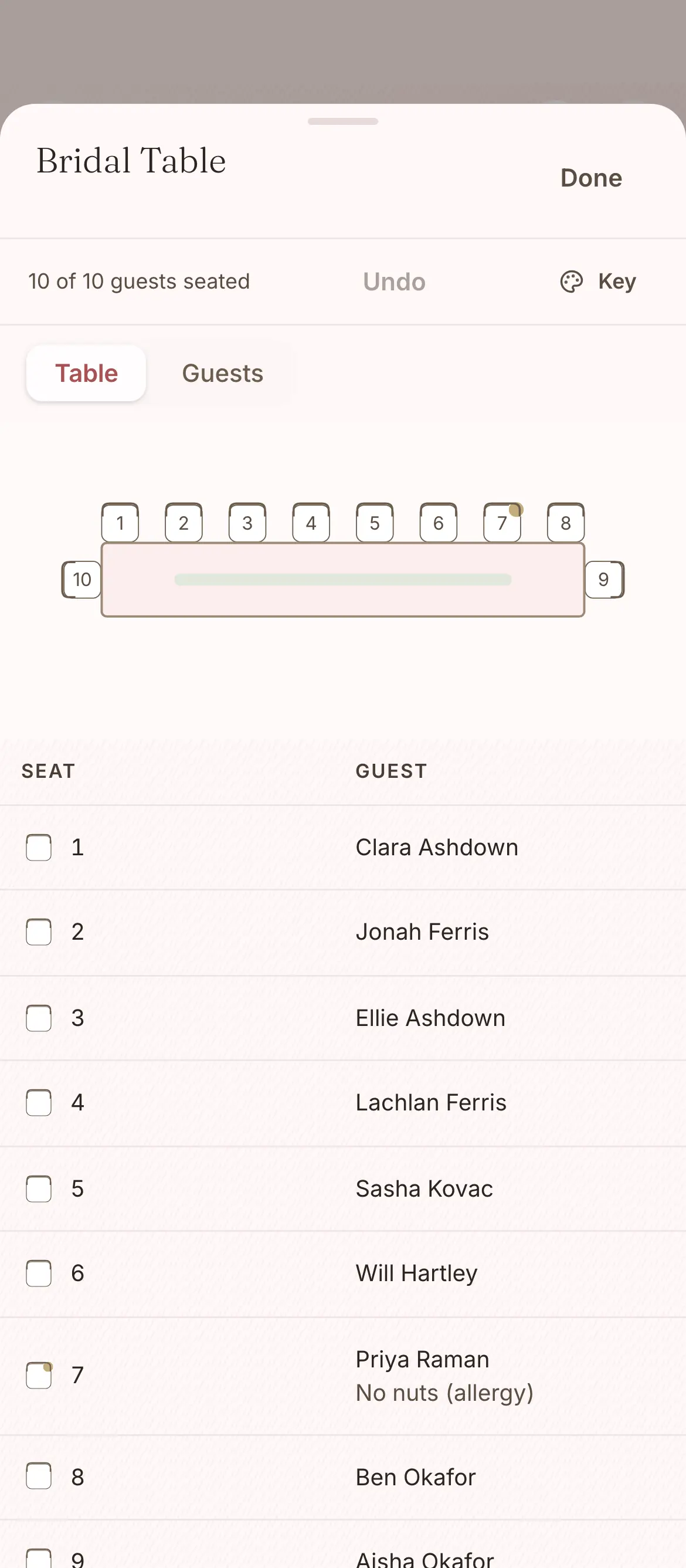
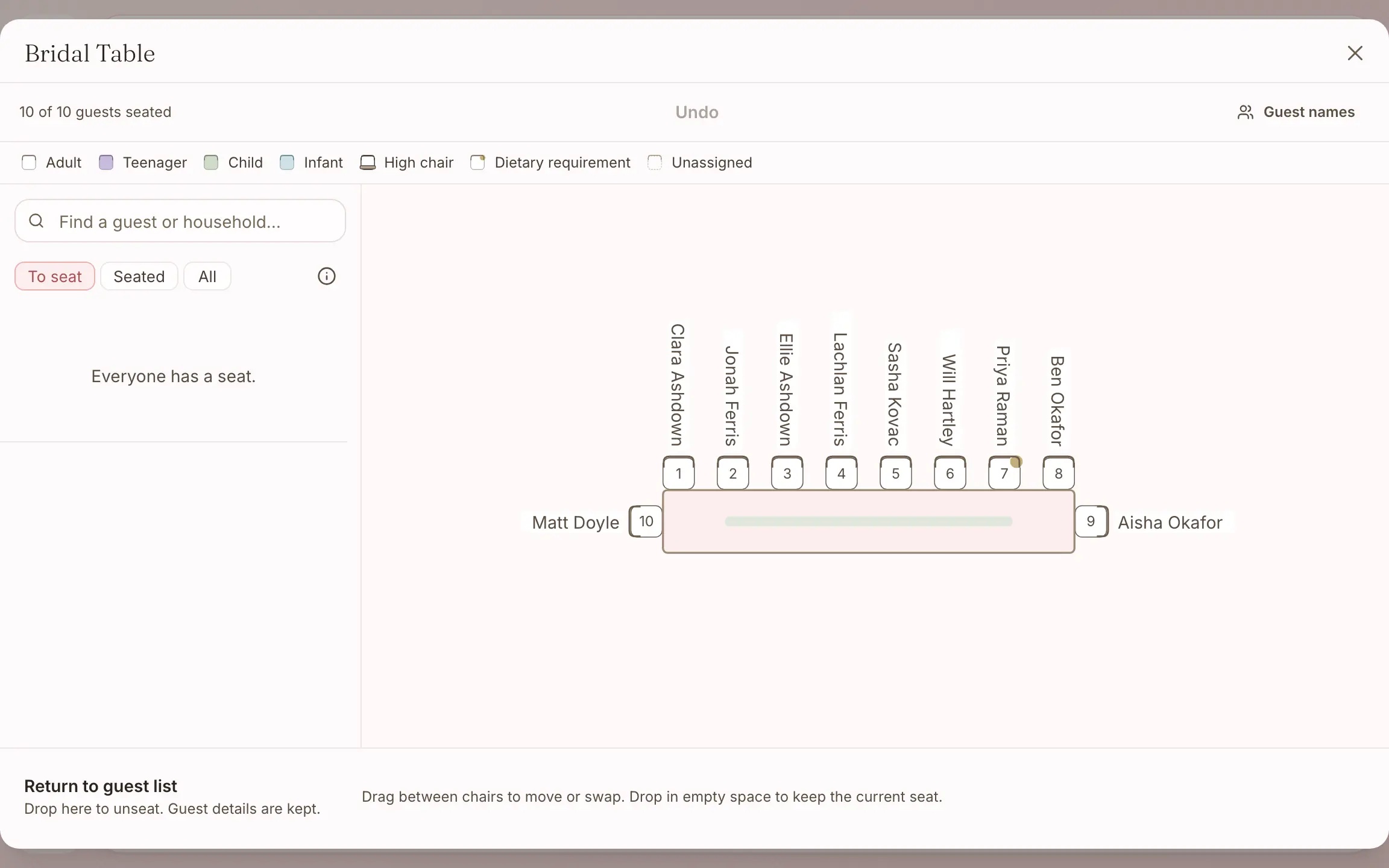
A dot marks each guest with a dietary need.
Export a PDF of names and seat numbers for the venue.
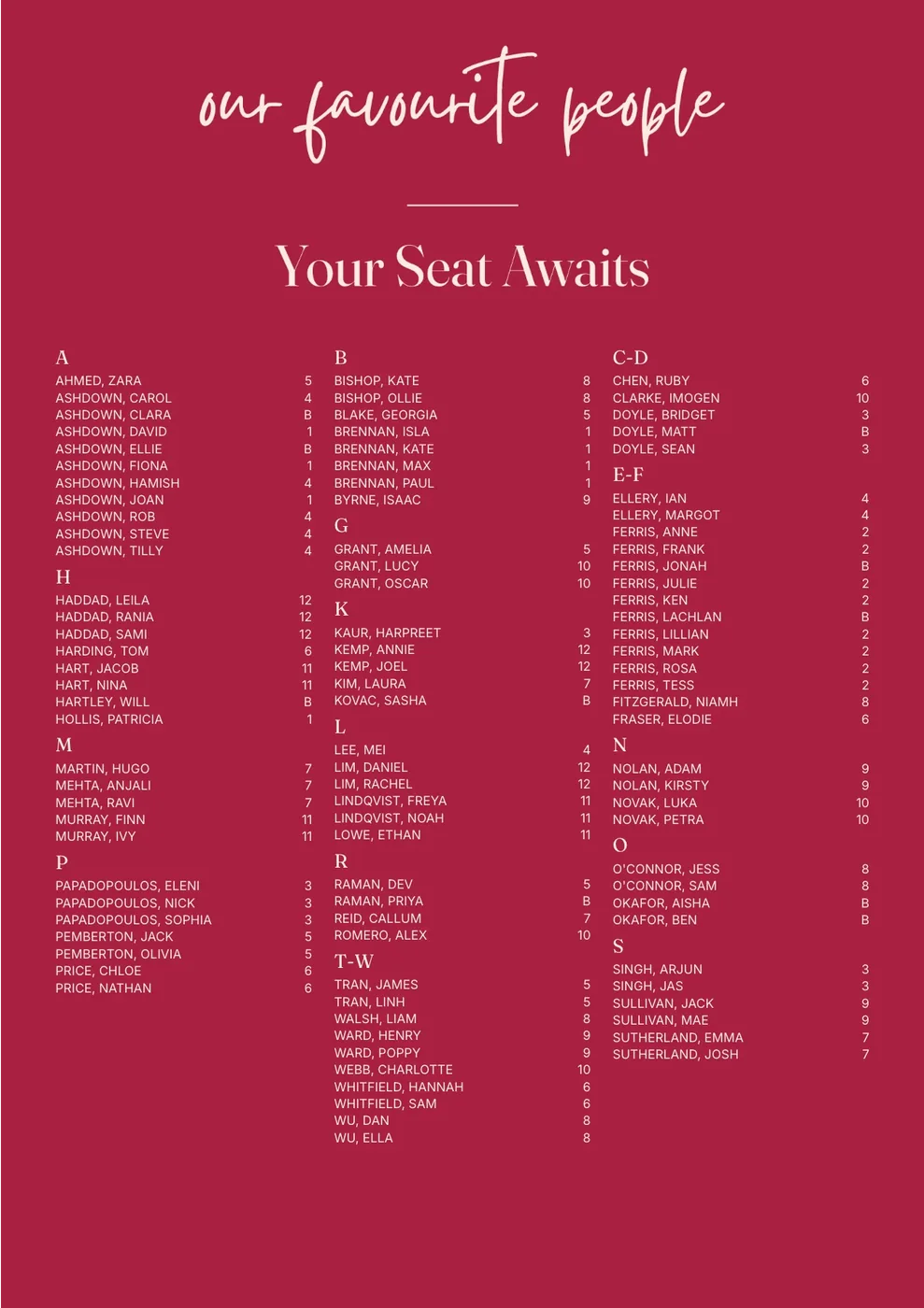
A printed seating chart for the entrance can be ordered in the same design.
A floor plan, and a seating chart.
People often use the two names for the same thing, but they are two different pieces, so here is what each one is.
- The floor planThe planning tool where you lay out the room, the tables and who sits where. It is on every plan, including Free.
- The seating chartThe printed sign your guests read as they arrive, filled in from the same seats. It comes in A1, A0 or 600 × 600 mm, and you order it from the design studio.
Seating each table, one seat at a time.
Choose a table and its seats open beside the plan, showing who sits in each one and how many sit on each side. Suggestions give you a start, and you can move anyone you like.
- Suggestions keep each household together.
- They seat the bridal party at the bridal table first.
- They group family and friends by side.
- They leave the seats you have set alone.
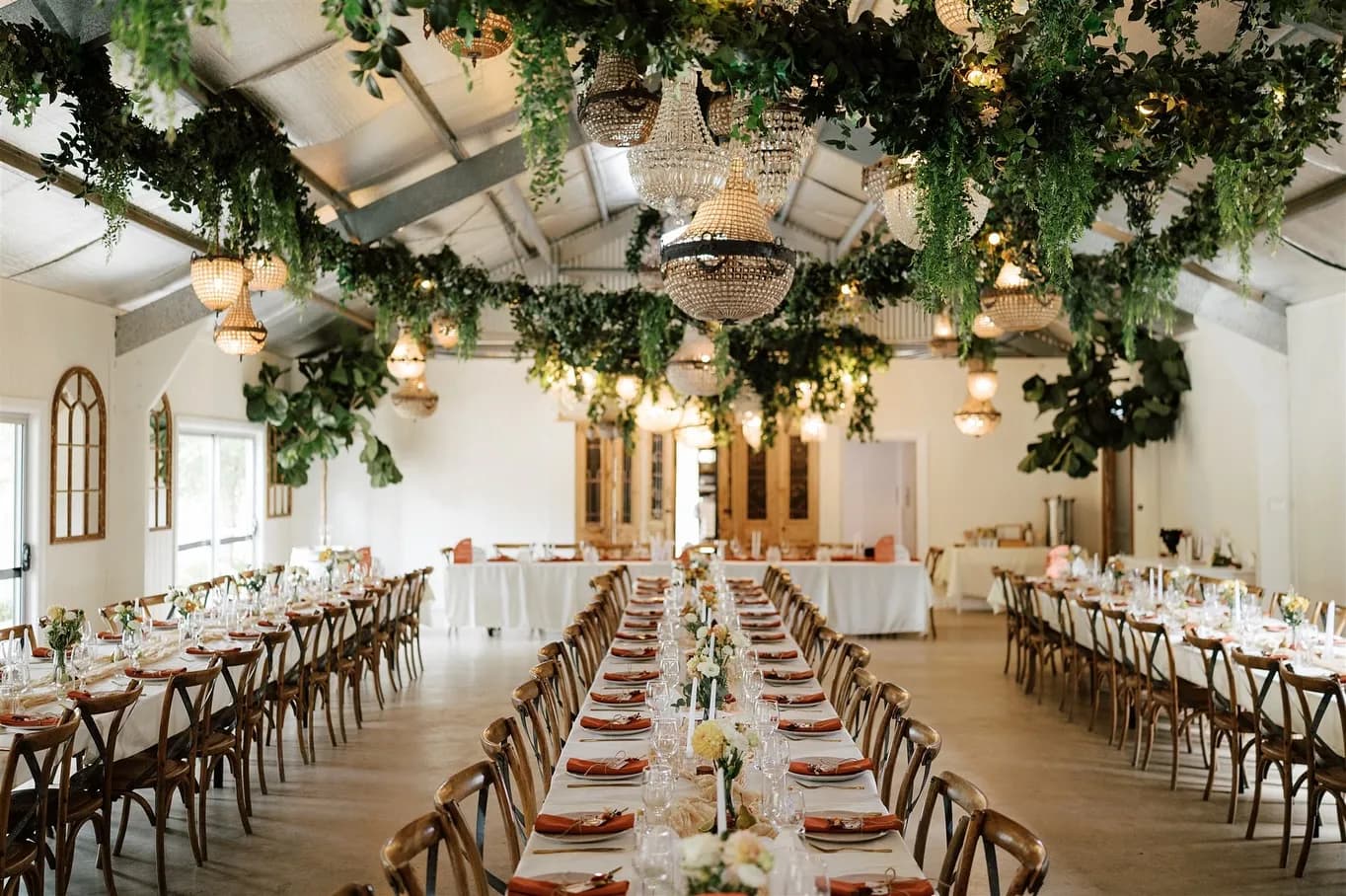
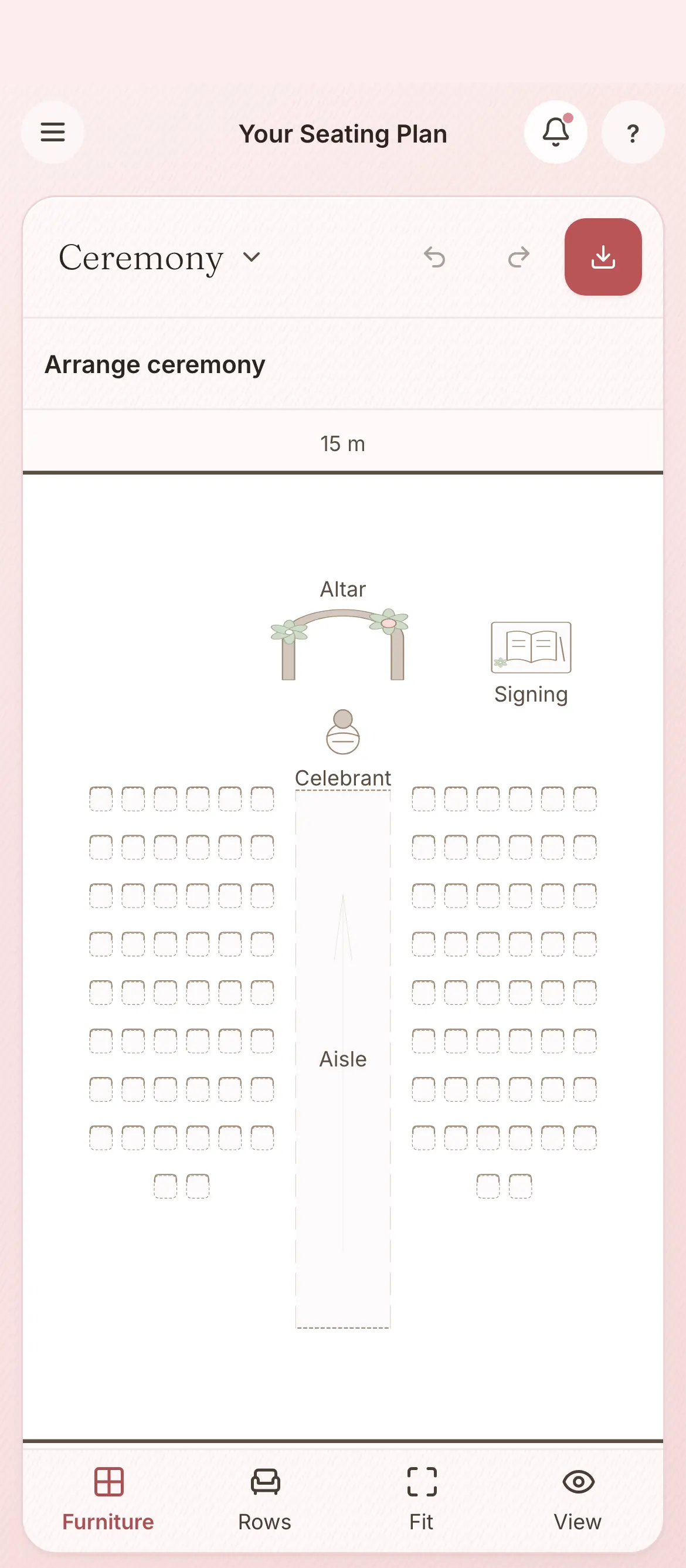
Separate floor plans for ceremony and reception.
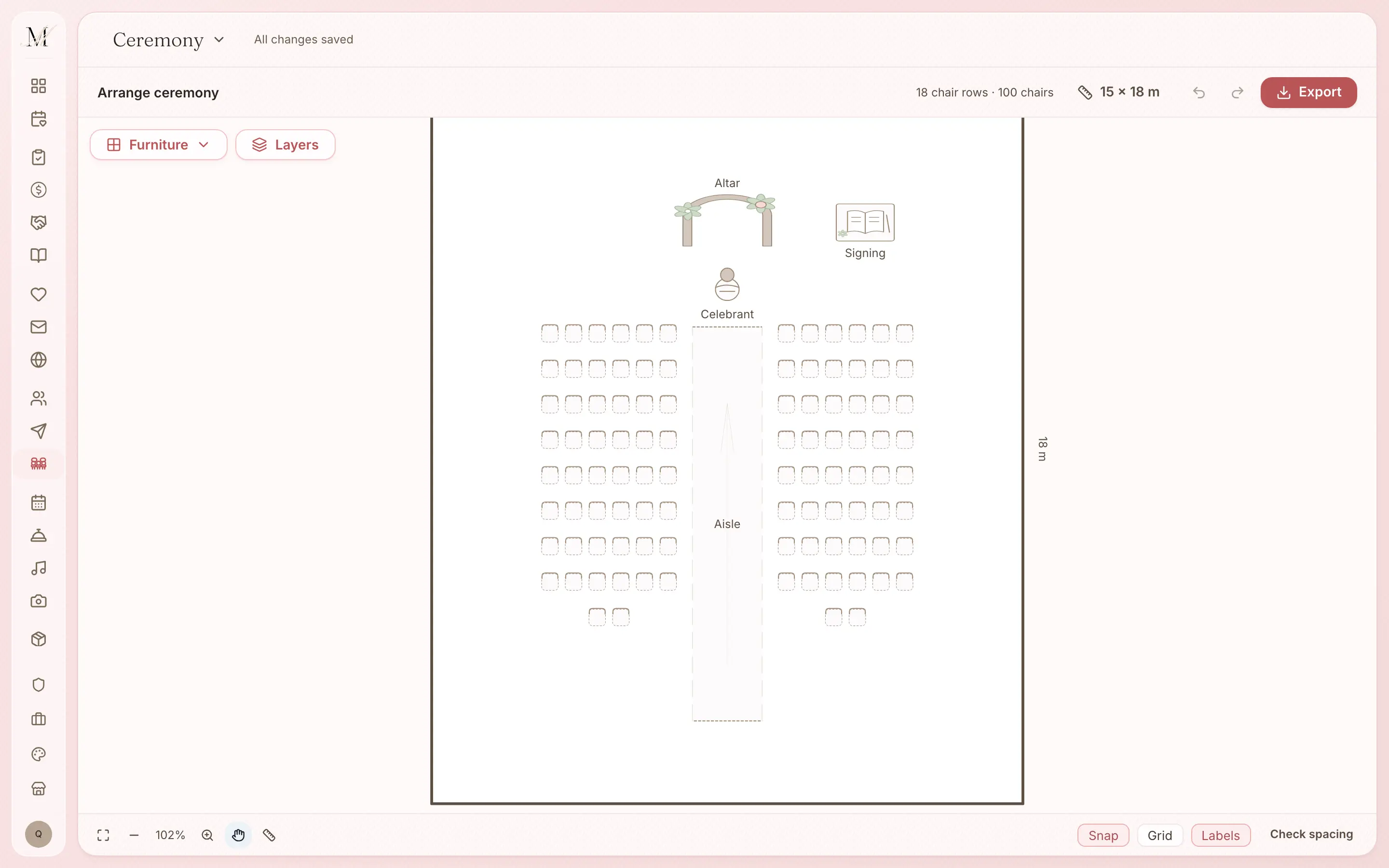
Most weddings use at least two spaces, so you can build a ceremony layout for your celebrant and a reception layout for your caterer, in the same plan.
Everything the seating plan does.
The room
- Walls, doors and the room's own shape
- Round, long and joined long tables, and a bridal table
- About 50 room items, all draggable: the dance floor, bar, stage, DJ, cake table and more
- Separate ceremony and reception floor plans in one plan
- Undo and redo with full history, and the keyboard shortcuts you expect
The guests
- Drag guests from your list straight onto their seats
- Suggestions that keep families and friends together by household
- A dot for each guest with a dietary need
Getting it out
- A PDF or an image, with guest names and seat numbers
- A printed seating chart in the same suite as your stationery, filled from the same seats
The seating plan is on every plan, including Free.
The floor plan and table planner are on Free. What changes between the plans is the guest limit: 100 guests on Free, and no limit on Manage or Elevate.
Free
$0
For up to 100 guests.
Manage
$149, once
For any number of guests, and for sending your invitations and building your run sheet. It was our most chosen paid plan from July to September 2026.
Elevate
$399, once
Adds Memories, a stationery credit, and a review of your run sheet by one of our coordinators.
What each plan holds
Free
- The checklist
- The budget tracker
- Your guest list and RSVPs
- Your wedding website
- The floor plan and table planner
- The vendor directory and your shortlist
- The design studio (printing is priced per order)
- Import and export (CSV and PDF)
Everything in Free, plus
- Unlimited guests
- Save the dates and invitations sent by email and SMS
- Guest updates, reminders and thank-yous
- The run sheet builder
- 150 SMS credits
Everything in Manage, plus
- Memories, a gallery your guests fill with photos and videos
- A $100 stationery credit and free shipping on print orders
- Your run sheet reviewed by one of our coordinators
- 300 SMS credits
Pay once, not a subscription. Prices are in Australian dollars and include GST.
On Free your guest list holds up to 100 guests. To add more, move up to Manage, and everything you have entered stays where it is.
How the seating plan connects to the other tools.
Your guest list
It seats the guests on your list, and each guest's table shows in both places.
Design studio and print
The printed seating chart reads your seats, and the table numbers read your tables.
Common questions about seating and the floor plan.
Is the seating chart included on the Free plan?
Yes, the seating plan is. The floor plan and table planner are on every plan, including Free, with the PDF of names and seat numbers for your venue. The printed seating chart for the entrance is designed in the design studio, also on every plan, and its printing is priced per order. Free holds up to 100 guests; Manage and Elevate have no limit.
Do I need to sign up to try it?
Yes. The seating plan works from your own guest list, so it lives in your account. Signing up is free and you do not need a card.
Do you offer smart wedding seating suggestions?
Yes. Suggestions group families and friends using the households in your guest list, so you do not start from an empty plan. You can still drag guests wherever you like, and a dot shows each guest with a dietary need.
How do I export the layout for my venue?
Export a PDF with guest names and seat numbers, or an image, ready to email to your venue coordinator or catering team. Your guest list stays the one list everything reads from, and the layout shows the seats you have set.
Three more questions
How do I build my wedding venue layout?
Drop tables onto the plan, round, long, joined long or a bridal table, and place walls, doors, the dance floor and the bar to match your real room. Set how many seats each table has and number them as you like.
Can I print the wedding seating chart?
Yes. The design studio's seating chart comes in A1, A0 or 600 × 600 mm and fills from your floor plan, in the same suite as your invitations. Before you order, you see the stock, print method, price, proof and delivery.
Can I have separate floor plans for ceremony and reception?
Yes. Build a ceremony layout for your celebrant and a reception layout for your caterer, side by side for the same wedding. Each floor plan keeps its own table and seat assignments, and you can switch between them with a click.