
Digital wedding invitations and save the dates. Design once, then send or print.
Design your save the date and invitation from one of our templates or a blank canvas. Then send them by email and SMS with a link to reply, or order them printed: a 120 × 180 mm invitation, an A6 details card and a 100 × 100 mm RSVP card. Sending is part of Manage ($149) and Elevate ($399), each paid once.
No card to start.
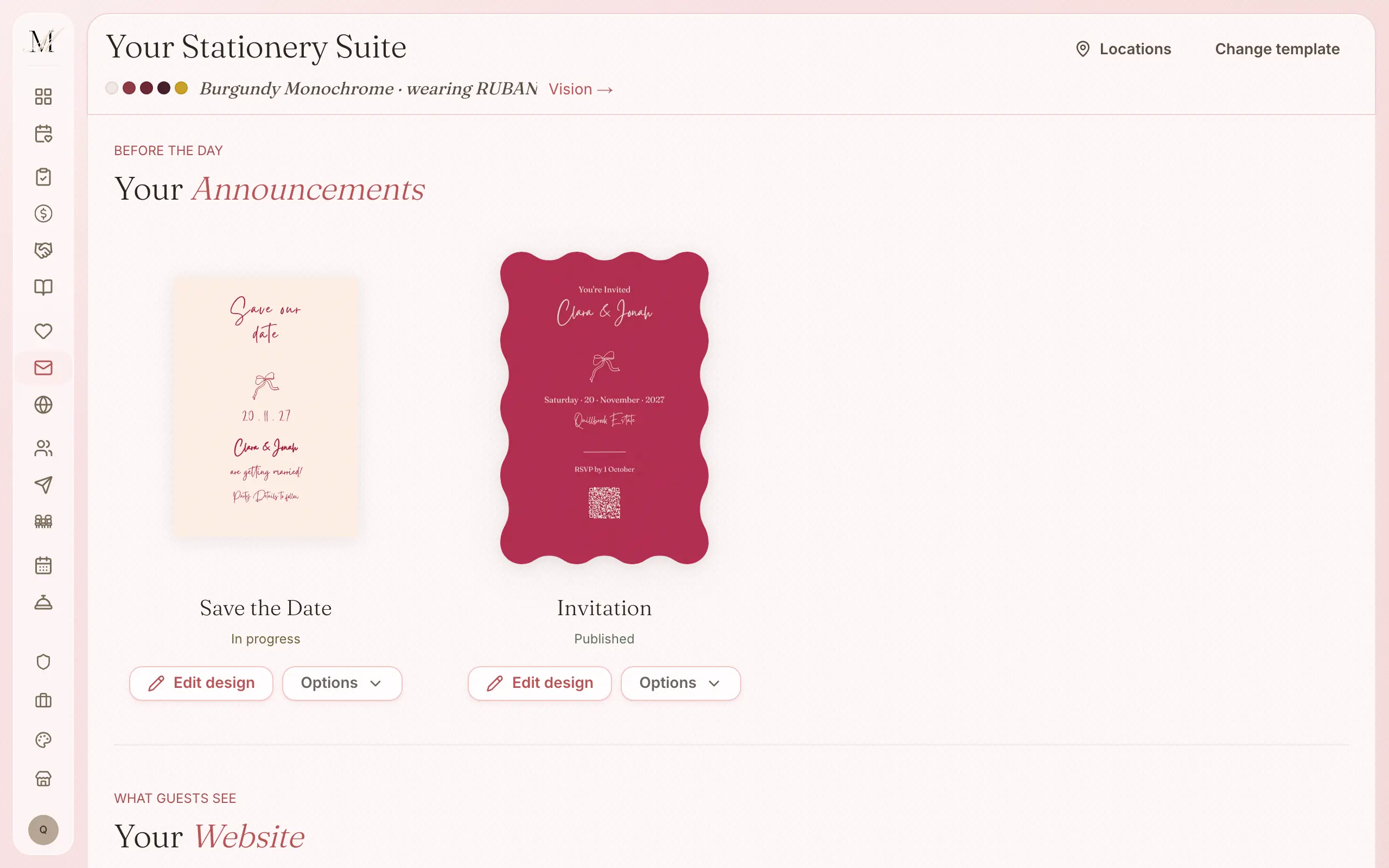
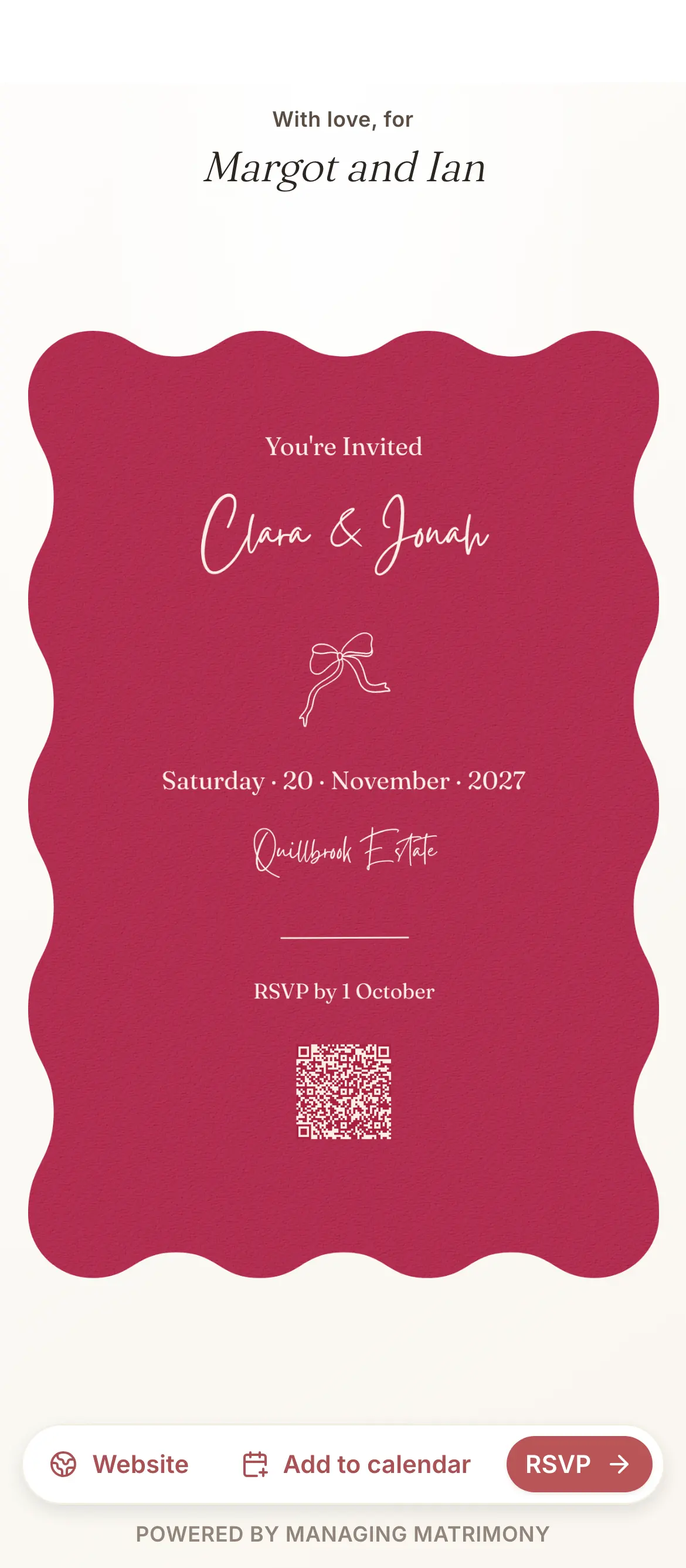
From a template to the printed card.
Start from a template, or from a blank canvas.
You control the type, colour, photographs and layout, and the print size stays exact.
Send it by email and SMS to your guest list, with a link to reply.
Sending is part of Manage.
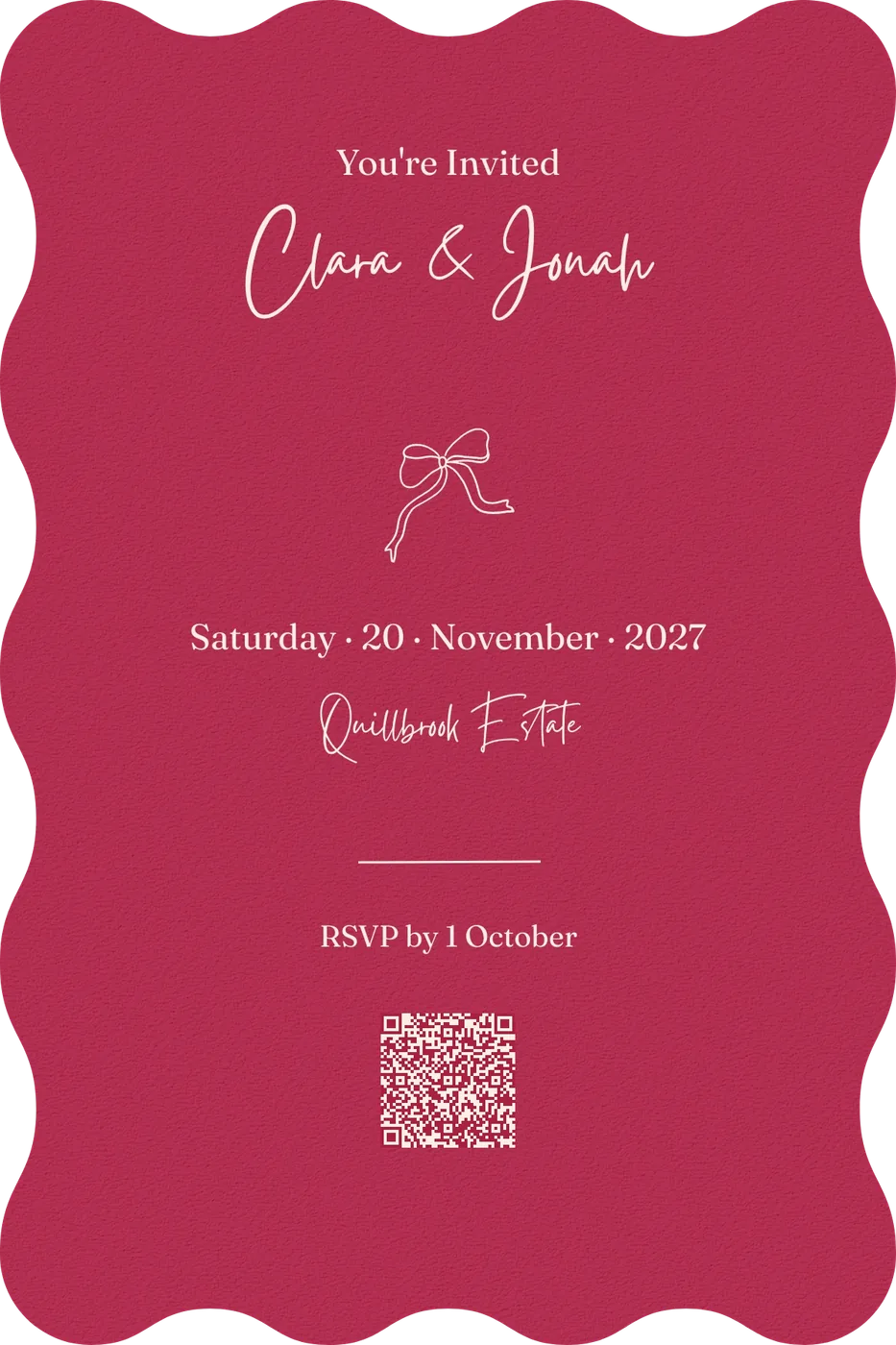
Or order it printed, with a QR code on the card that opens the same RSVP page.
120 × 180 mm for the cover, A6 for the details and 100 × 100 mm for the RSVP card. You see the stock, print method, price and delivery when you order.
Design it your way, from a template or a blank page.
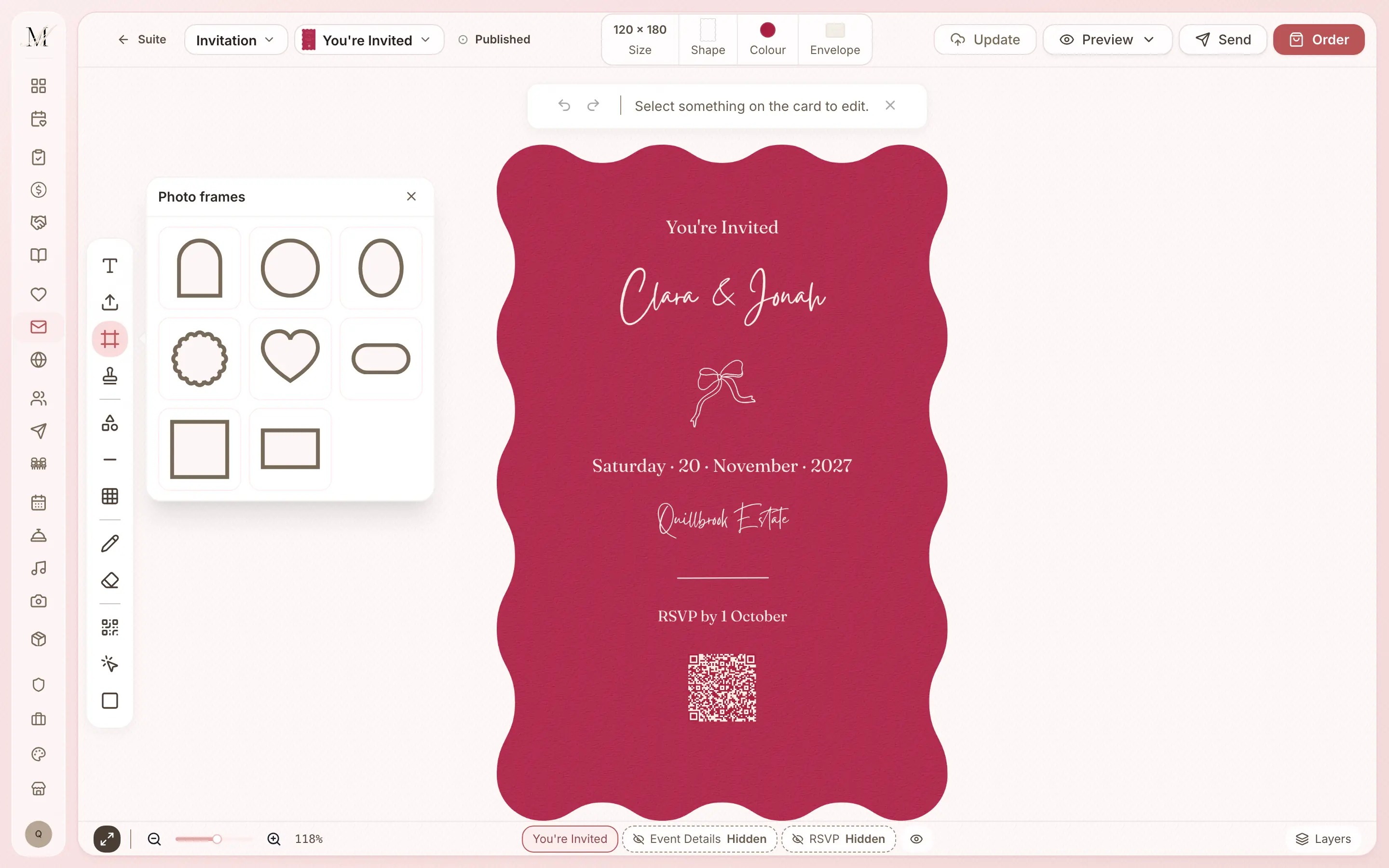
Start from a template or open a blank canvas. You control the type, colours, photographs and layers, and the size stays safe for print.
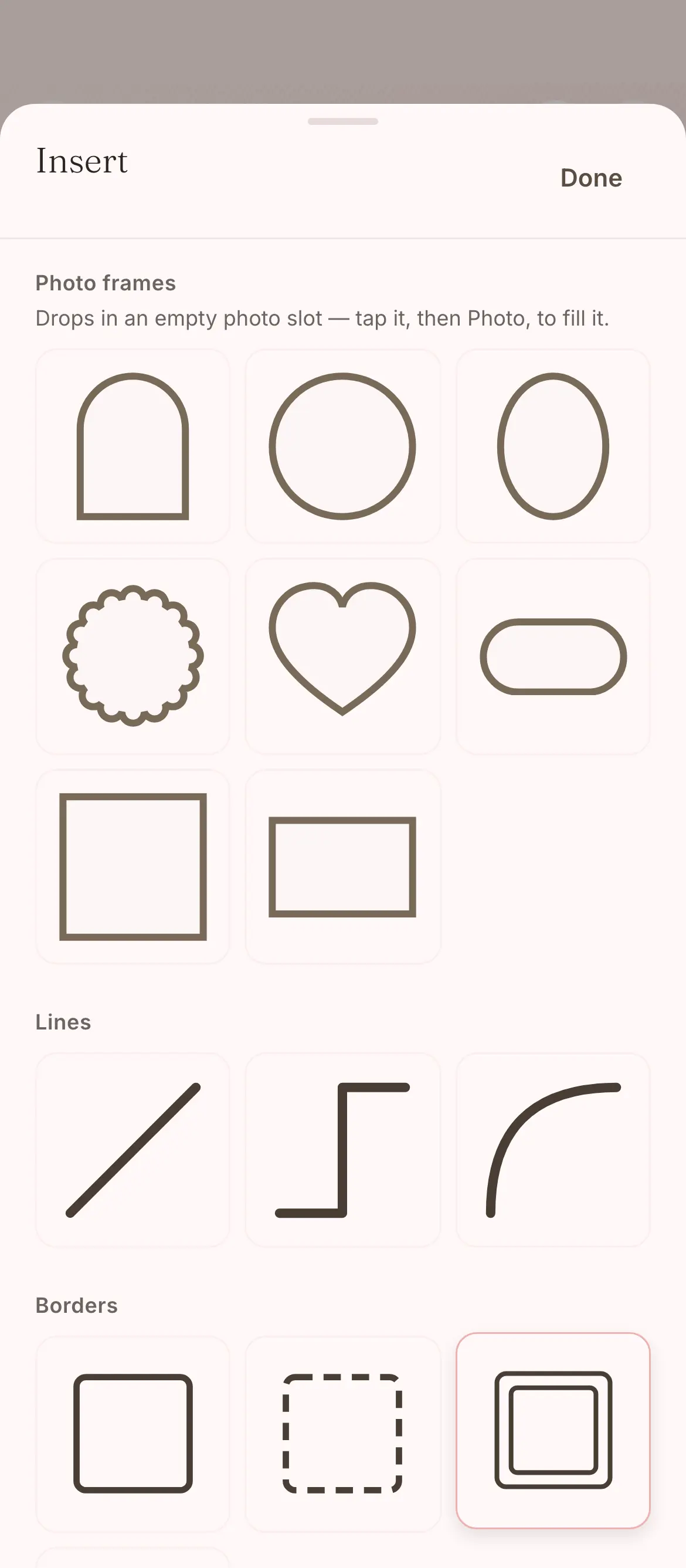
- 61 typefaces to choose from, and a library of graphics.
- Photo frames, lines, shapes and borders you can add.
- Three pieces to an invitation: the cover, the details and the RSVP card.
Digital, printed, or both.
Use the same invitation for sending and for print. A digital card collects a reply quickly; a printed card points to that same reply page with a QR code.
- Save the dateA6 when printed.
- InvitationA 120 × 180 mm cover, an A6 details card and a 100 × 100 mm RSVP card.
- One design for bothSo you never design the same card twice.

RSVPs flow straight into your guest list.
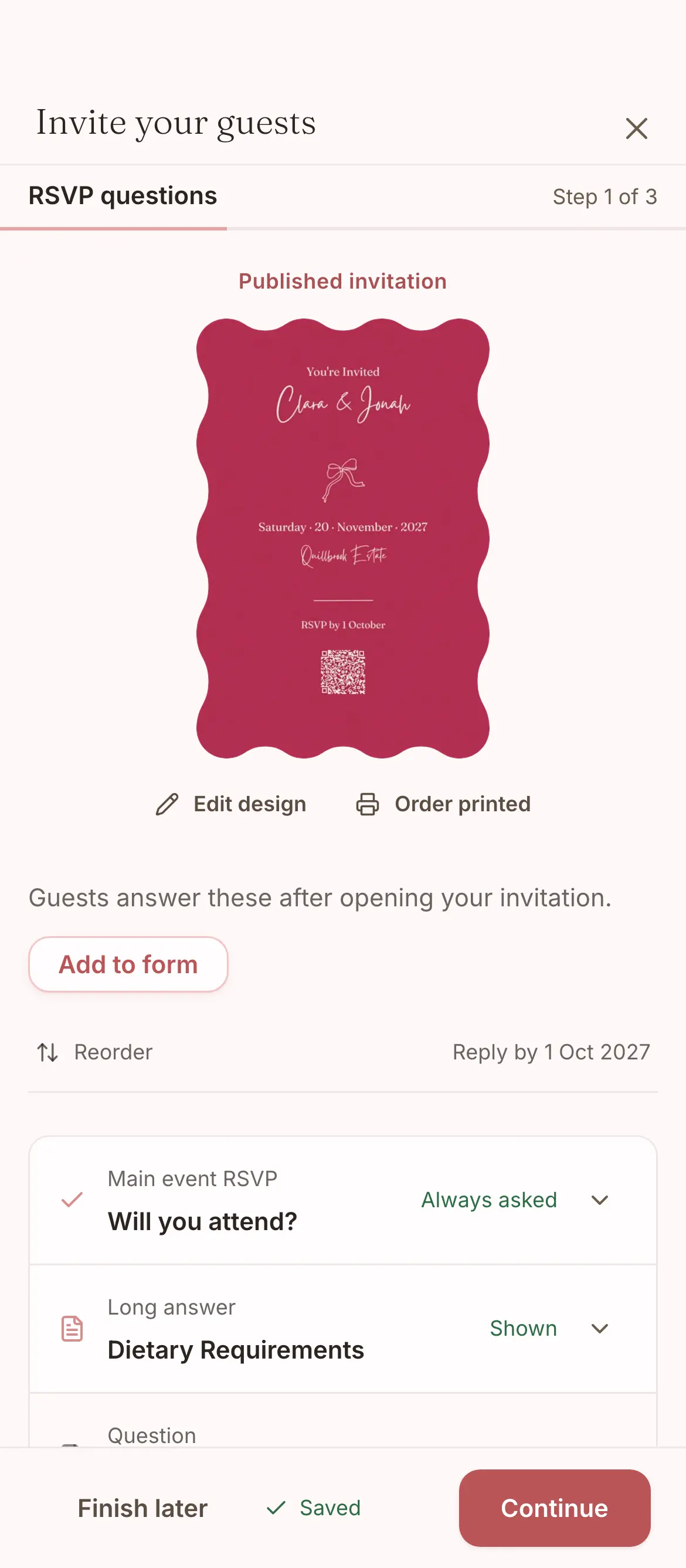
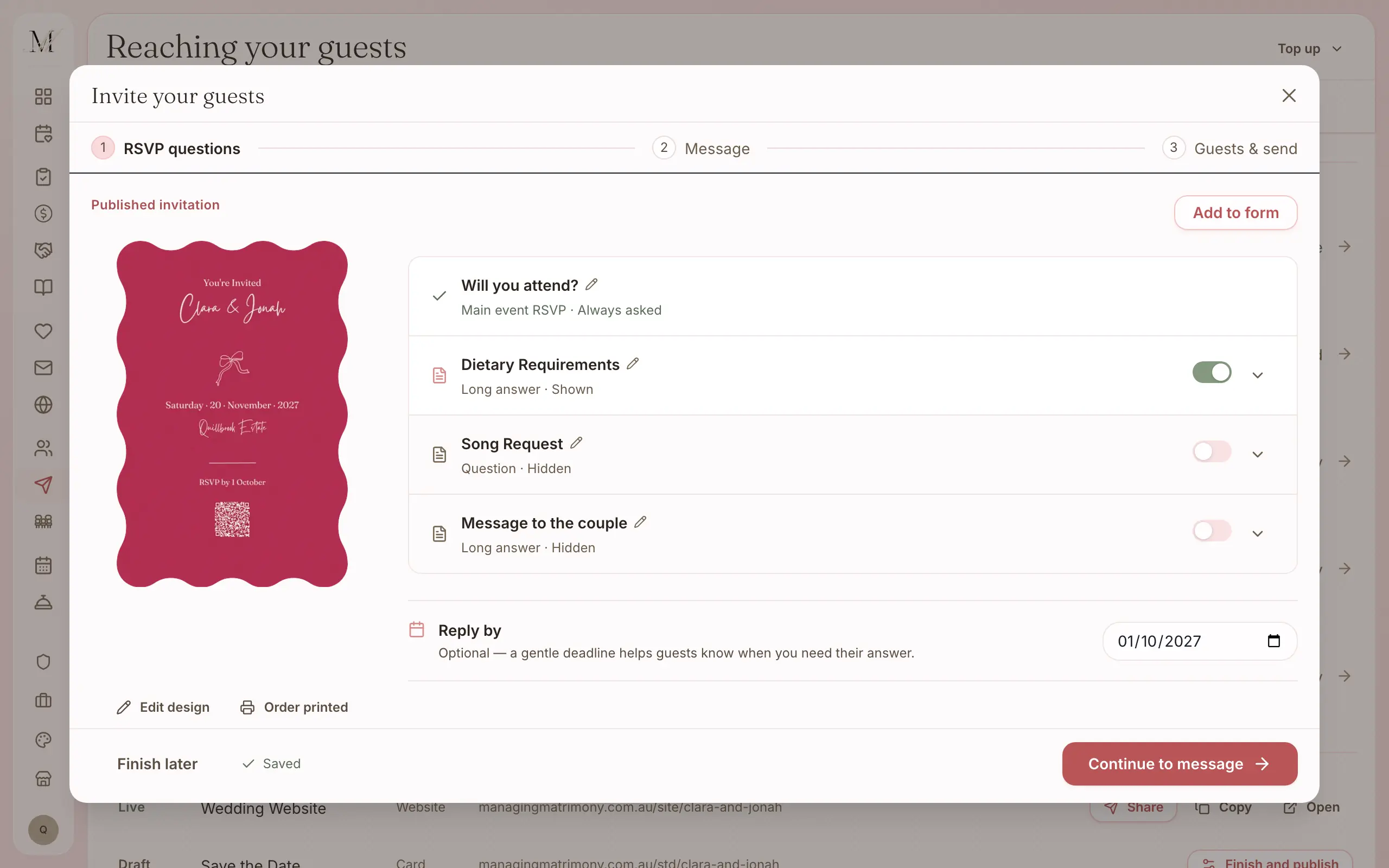
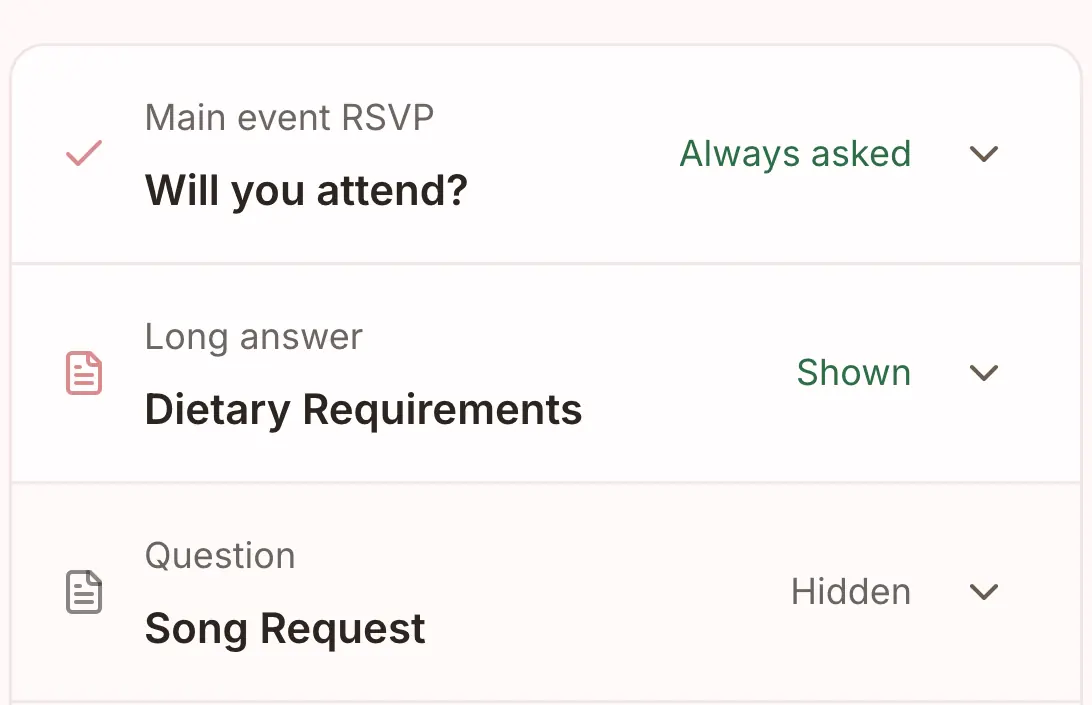
Send the invitation to your guest list and see who it has gone to and who has replied. Replies, with dietary needs, land in the guest list; a song request is a question you can switch on.
- Send by email and SMS from one place.
- See who has replied, and send a reminder to those who have not.
- The same reply page from the digital card and the printed QR code.
Sending is part of Manage and Elevate.
Everything the invitations do.
One design, whether you send it, print it or both.
Design
- Designed suites to start from, or a blank canvas
- A full editor: typography, layers, swatches and print-safe sizing
- 61 typefaces
- Save the dates and invitations in one place
- An invitation of three pieces: the cover, the event details and the RSVP card
Sending, with Manage
- Email and SMS to your guest list
- A link to reply in every send
- See who has replied
- A reminder to guests who have not replied
- A reply form with attending and dietary needs; a song request optional
Print
- Sizes: 120 × 180 mm, A6 and 100 × 100 mm; save the dates at A6
- The same design across digital and print
- A QR code on printed cards opens the same RSVP page
- Stock, print method, price, proof and delivery shown before you order
- Elevate includes a $100 stationery credit and free shipping
Watch how sending works.
A short film we recorded inside the app. You can watch it without signing up.
How to send your guest messages, from contact details to the thank-you
Collect contact details, choose the invitation's RSVP questions and who receives it, and prepare an event update and a thank-you, from one place.
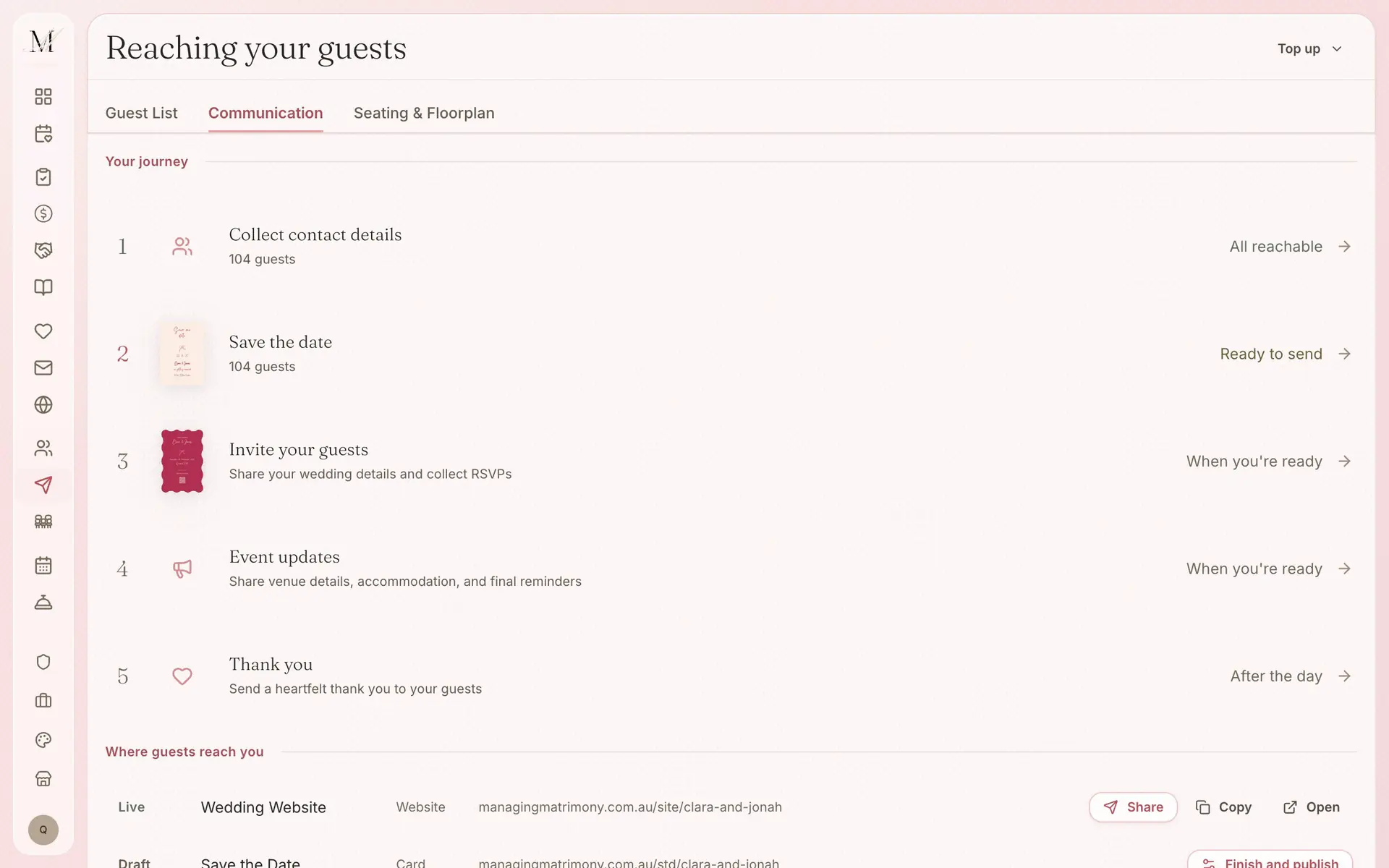
Sending starts with Manage.
Sending by email and SMS is part of Manage and Elevate, which hold any number of guests. Free holds up to 100 guests, and printed cards are priced per order.
Free
$0
For up to 100 guests.
Manage
$149, once
For any number of guests, and for sending your invitations and building your run sheet. It was our most chosen paid plan from July to September 2026.
Elevate
$399, once
Adds Memories, a stationery credit, and a review of your run sheet by one of our coordinators.
What each plan holds
Free
- The checklist
- The budget tracker
- Your guest list and RSVPs
- Your wedding website
- The floor plan and table planner
- The vendor directory and your shortlist
- The design studio (printing is priced per order)
- Import and export (CSV and PDF)
Everything in Free, plus
- Unlimited guests
- Save the dates and invitations sent by email and SMS
- Guest updates, reminders and thank-yous
- The run sheet builder
- 150 SMS credits
Everything in Manage, plus
- Memories, a gallery your guests fill with photos and videos
- A $100 stationery credit and free shipping on print orders
- Your run sheet reviewed by one of our coordinators
- 300 SMS credits
Pay once, not a subscription. Prices are in Australian dollars and include GST.
On Free your guest list holds up to 100 guests. To add more, move up to Manage, and everything you have entered stays where it is.
How invitations connect to the other tools.
Your guest list
Send your invitation to the guest list, and every reply comes back to it.
Wedding website
Your website carries the same design and the same RSVP form.
Design studio and print
Your menus, place cards and signs for the day, in your invitation's design.
Common questions about invitations and save the dates.
Are invitations digital or printed?
Both. Email and SMS invitations link to your RSVP page, and a printed card carries a QR code to the same page. Before you order a printed piece, you see its size, stock, print method, price, proof and delivery.
How do I send digital wedding invitations?
With Manage or Elevate, send the finished design by email or SMS to your guest list. Replies come back to the same place, where you can see who has responded and send a reminder to anyone who still has to reply.
What sizes can I design?
Cover invitations use 120 × 180 mm, event detail cards use A6 (105 × 148 mm) and RSVP cards use 100 × 100 mm. Save the date print orders use A6. You see the final preview and the order terms before you approve.
Three more questions
Can I design my wedding invitations from scratch?
Yes. Start from a template or open a blank canvas. The editor gives you control over fonts, colours, photographs and layout across the cover, the event details and the RSVP card, with 61 typefaces and a graphics library built in.
Can I order printed wedding invitations?
Yes. The editor prepares 120 × 180 mm cover cards, A6 detail cards and 100 × 100 mm RSVP cards for print orders, and you see the stock, print method, price, proof and delivery before you order. Elevate includes a $100 stationery credit and free shipping on print orders.
How are RSVPs tracked from invitations?
Replies from your invitation go straight into your guest list, with dietary needs, and a song request if you ask for one. You can see the totals, filter by status and see who still has to reply.